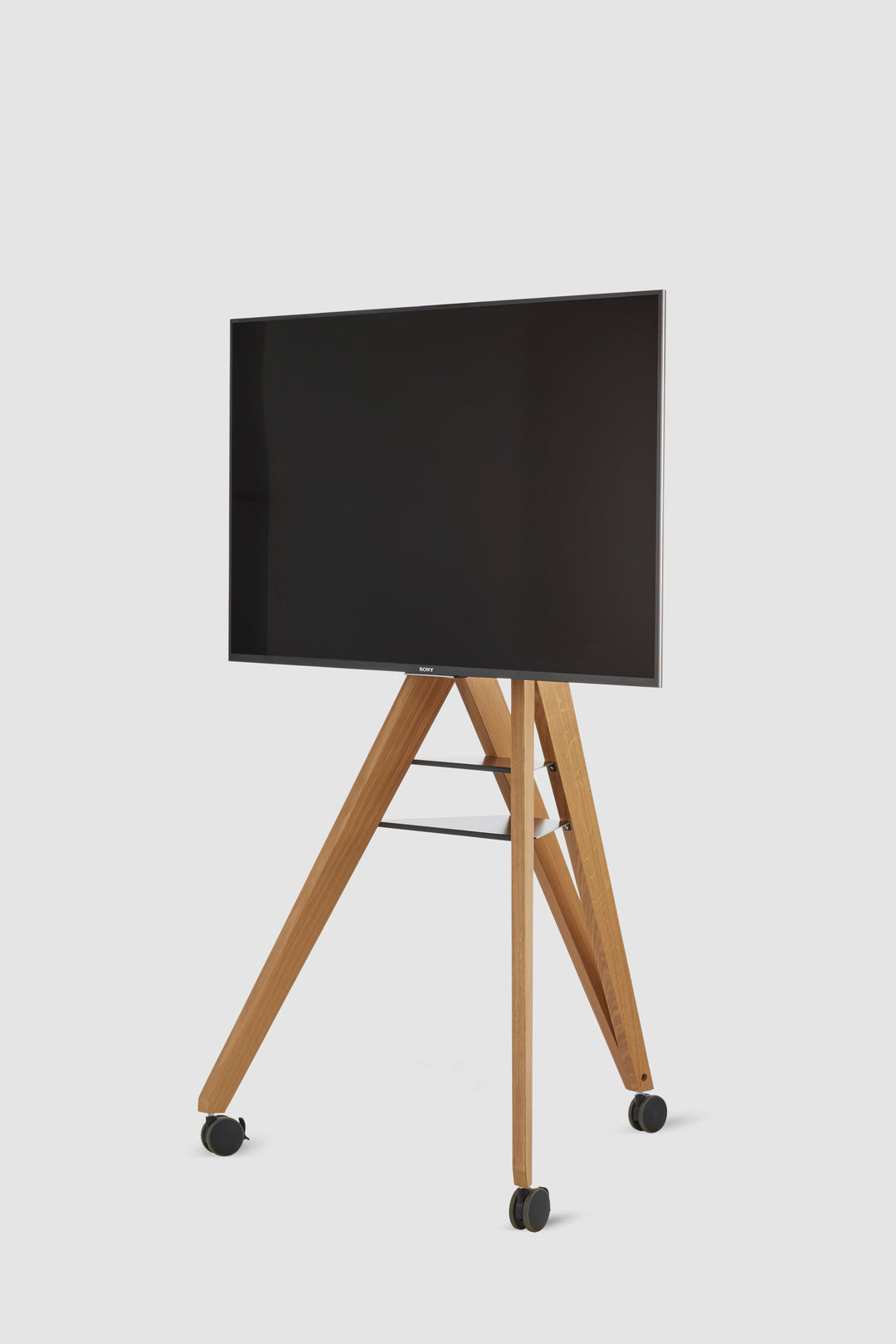


TV and monitor stands Castors up to 65 inches - Front Row
Our TV stand or monitor cart
It is compatible with all common brands (LG, Panasonic, Sony, Samsung, Viewsonic ...) and is suitable for all screen types (LCD, LED, OLED, QLED, HD) with a diagonal of up to 65 inches.
compatibility
- Compatible with all devices with VESA standard
- Suitable for VESA dimensions from 200 x 200 to 800 x 400 mm
- suitable for screens up to 65"
- Suitable for screens up to 60 kg
Quality features
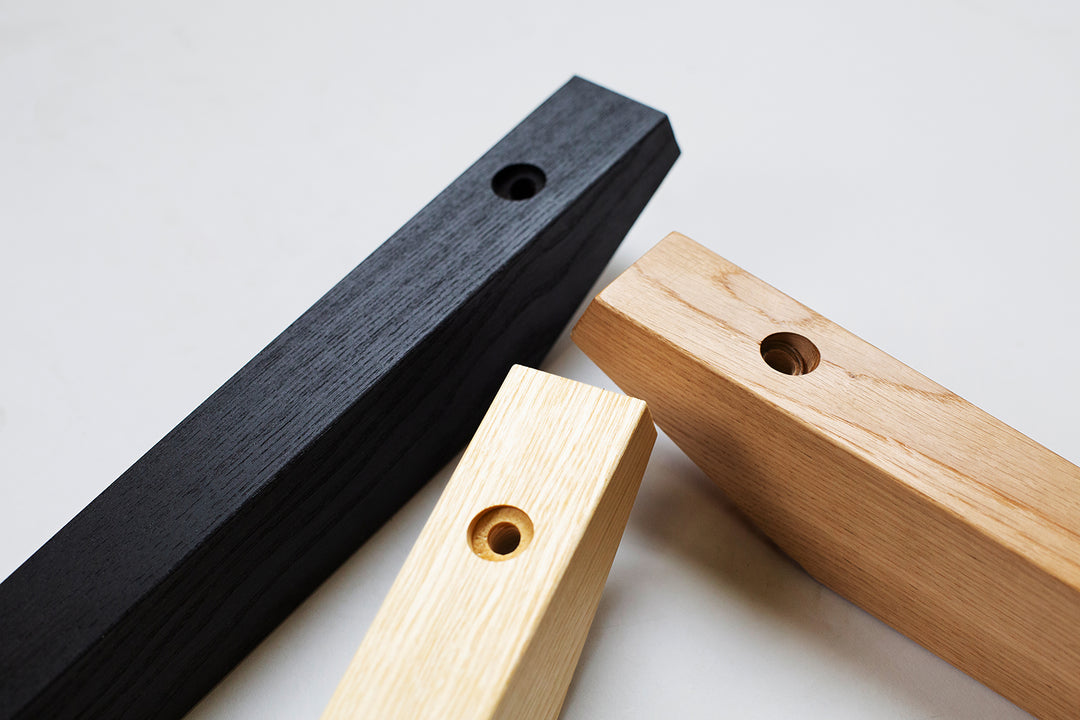
- Tripod made of solid, oiled oak or ash wood
- especially high-quality, comfortable and natural Appearance
- With its tripod base, it fits into any corner of the room, saving space.
- Its wide legs make it very stable against tipping.
- meaningful
Tray Space for additional equipment - Flexible screen Can be mounted at different heights
Clean design for your New Work setup
Modern communication technology should function unobtrusively and discreetly in the background. Thanks to his The TV stand and monitor cart integrate seamlessly into the understated design.
High-quality Quality - Monitor cart out of
The TV stand
TV stand on
With
Locations
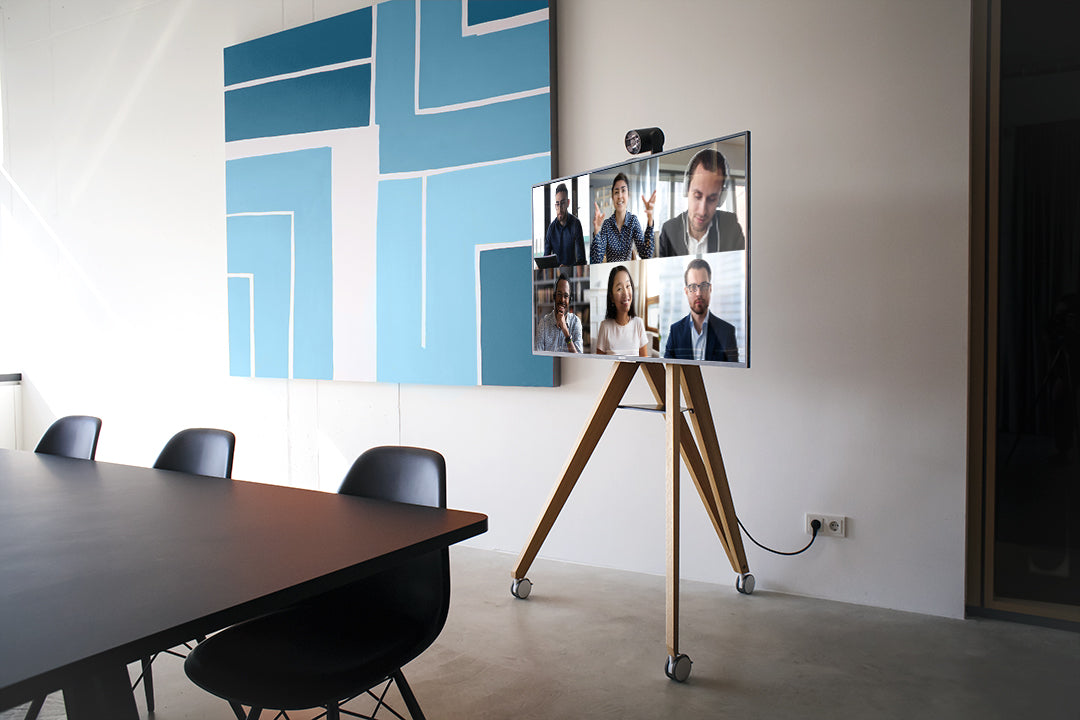
- Conference and meeting rooms
- Individual and team offices
- Huddle Rooms
- Exhibition stands
- Reception areas
- Lounges
- Conference rooms
- classroom
- Universities
- Educational institutions
Scope of delivery
- TV stand out of
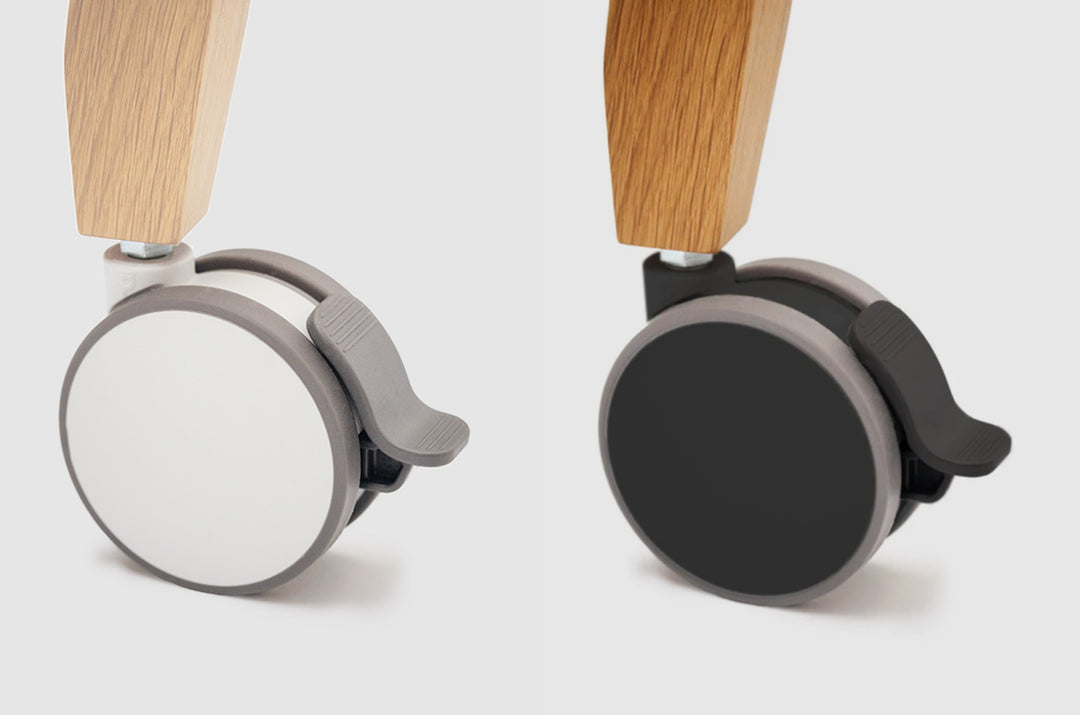
Wood with 2Tray areas - complete mounting kit (optional with
Castors ) - Optional: Adapter plates for a VESA standard over 200 x 200 mm
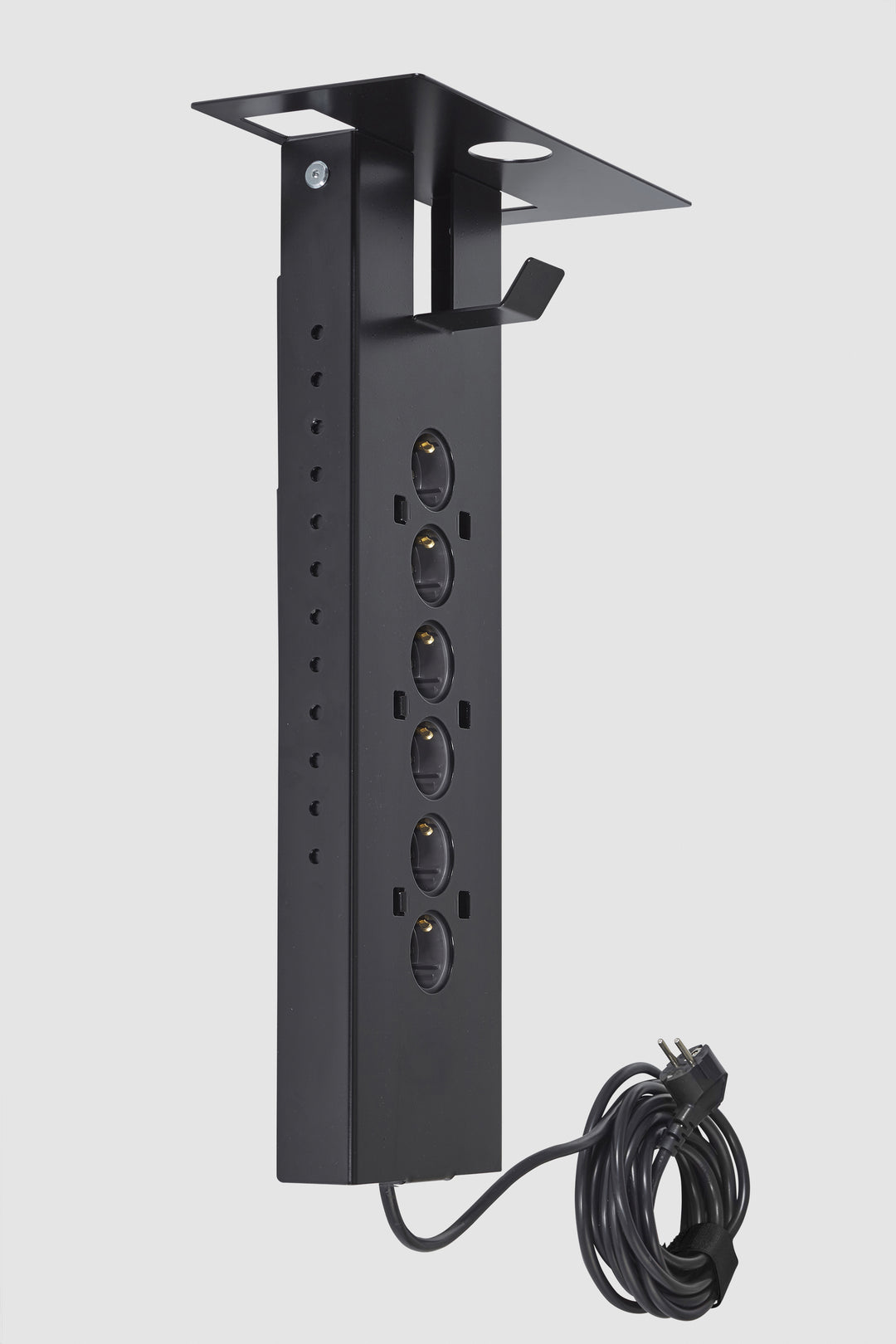
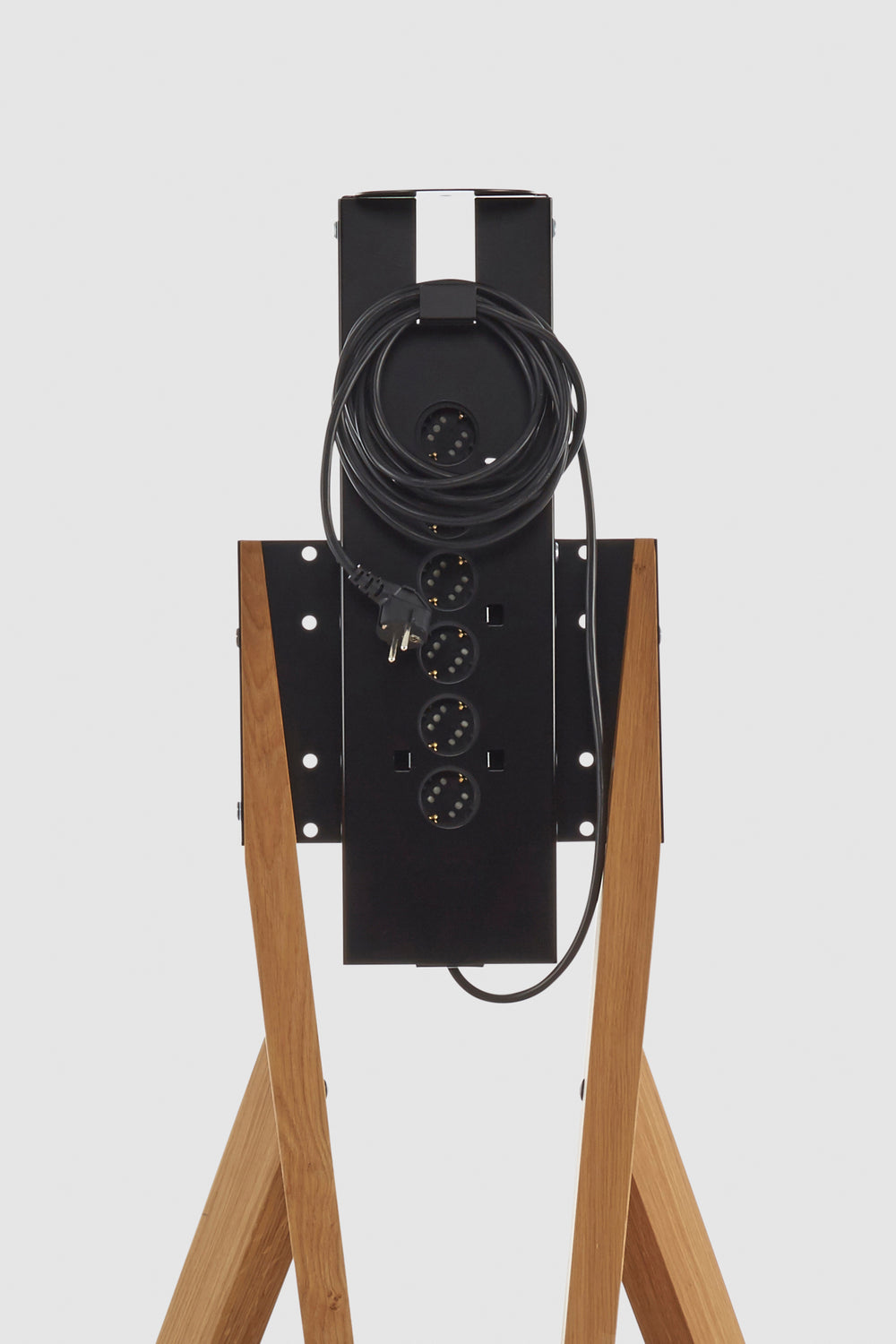
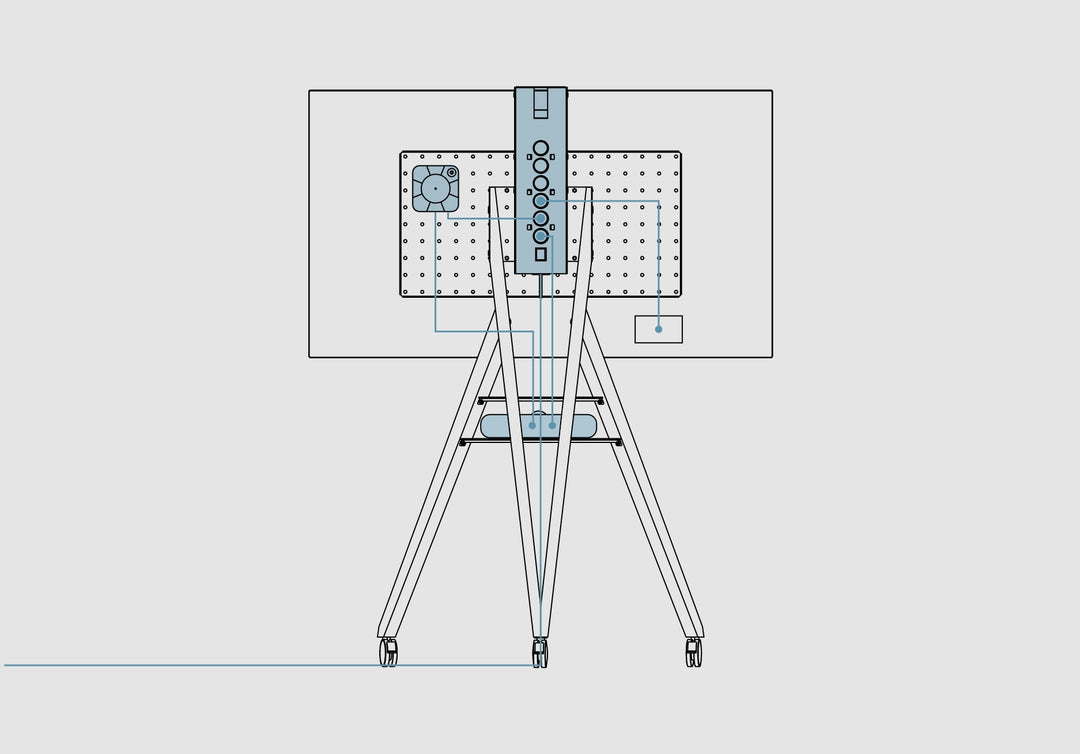
- Optional: Power strip with height-adjustable camera connection
Notes
- Monitor not included
- due to the screen height Not suitable for use in home cinema or at home.

- Solid wood brings comfort to your workspace
- Tripod: ideal for corners and small spaces
- Optional: Simple power connection via integrated power strip
- Design that tidies up technology and fits harmoniously into your architecture
- Perfect for lively workshops and hybrid meetings
Our TV stand or monitor cart
It is compatible with all common brands (LG, Panasonic, Sony, Samsung, Viewsonic ...) and is suitable for all screen types (LCD, LED, OLED, QLED, HD) with a diagonal of up to 65 inches.
compatibility
- Compatible with all devices with VESA standard
- Suitable for VESA dimensions from 200 x 200 to 800 x 400 mm
- suitable for screens up to 65"
- Suitable for screens up to 60 kg
Quality features
- Tripod made of solid, oiled oak or ash wood
- especially high-quality, comfortable and natural Appearance
- With its tripod base, it fits into any corner of the room, saving space.
- Its wide legs make it very stable against tipping.
- meaningful
Tray Space for additional equipment - Flexible screen Can be mounted at different heights
Clean design for your New Work setup
Modern communication technology should function unobtrusively and discreetly in the background. Thanks to his The TV stand and monitor cart integrate seamlessly into the understated design.
High-quality Quality - Monitor cart out of
The TV stand
TV stand on
With
Locations
- Conference and meeting rooms
- Individual and team offices
- Huddle Rooms
- Exhibition stands
- Reception areas
- Lounges
- Conference rooms
- classroom
- Universities
- Educational institutions
Scope of delivery
- TV stand out of
Wood with 2Tray areas - complete mounting kit (optional with
Castors ) - Optional: Adapter plates for a VESA standard over 200 x 200 mm
- Optional: Power strip with height-adjustable camera connection
Notes
- Monitor not included
- due to the screen height Not suitable for use in home cinema or at home.
Dimensions (H x W x D):
x x
Weight:
Maximum screen diagonal:
65 inches
Max. screen weight:
60 kg
Compatibility with TV, monitor or display:
Compatible with all devices with VESA Standard as well as most all-in-one camera systems and current individual components in the AV sector.
materials
Tripod: solid wood (oak or ash)
Metal components: sheet steel, powder-coated
Wood - Care and cleaning
- Regular cleaning: Wipe the wooden surface with a dry or slightly damp (not wet!) cotton cloth. Please do not use a microfiber cloth, as this can cause small scratches in the wood.
- Removing small stains: These can be easily removed with special furniture soap. Do not use grease-dissolving household cleaners or steam cleaners, as these can damage the wood structure, which can also detract from the elegant appearance of the wood surface over time.
- Heavier soiling on unstained wood: If small stains cannot be removed by simply wiping, they can easily be removed with fine sandpaper. Then treat the affected area again with a... suitable furniture oil.
- Water stains: Allow them to dry completely before treating them.
Please note: Wood is a natural material that always exhibits variations in structure and color, making each product unique. This also means that a wood sample or digital image of wood can only ever approximate the structure and color of the actual product.
Volume shipping weight: 26kg
Packages: 3
Shipping costs are calculated based on the total volume and shipping weight of the order.
The Delivery will be made free curbside. Due to its size and bulkiness, We will ship this product Shipping via freight carrier. Packaging materials cannot be disposed of or taken away by the carrier.
Details regarding shipping and the calculation of shipping costs: Shipping information
Notice
This product is delivered disassembled. Assembly consists of connecting the parts using the included assembly kit. This process is simple and requires no special tools other than a screwdriver, a suitable wrench, and the supplied parts.
Pre-assembly available on request
If you are unable or unwilling to assemble the product yourself, please feel free to request a customized quote for assembled delivery from us! Contact details
Our products are packaged in a minimal number of packages to ensure optimal safety during transport, facilitate easy lifting and carrying, and minimize our environmental footprint. The packaging itself is also environmentally friendly, as it uses almost no plastic and we recycle cardboard.
If you order multiple products, we may deliver them on a pallet.